

🍓 Install on Raspberry Pi
The classic route - perfect for beginners.
Home Assistant is one of the most widely used open source platforms for home automation. This guide gives you a complete overview of what Home Assistant is and how to get started.
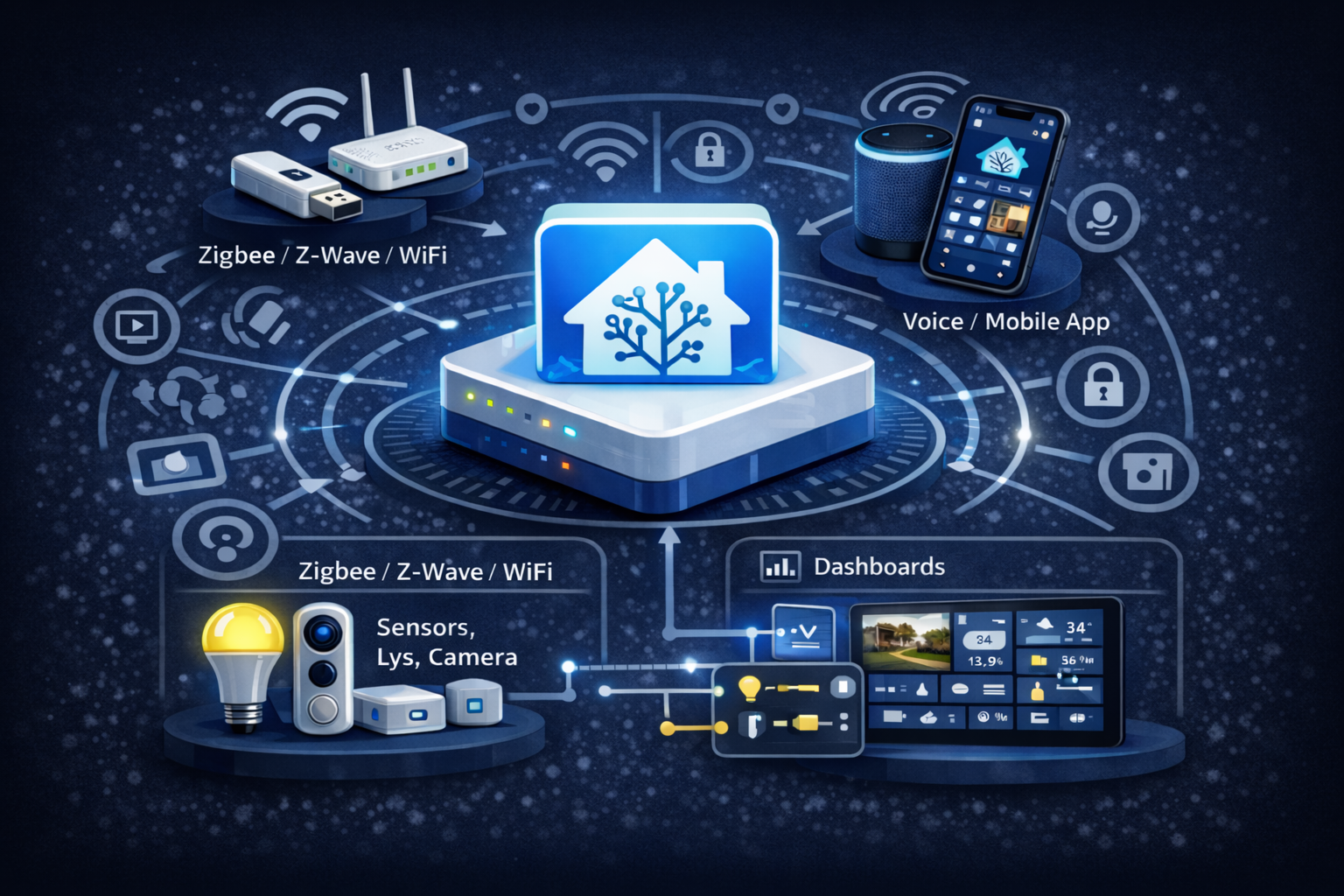
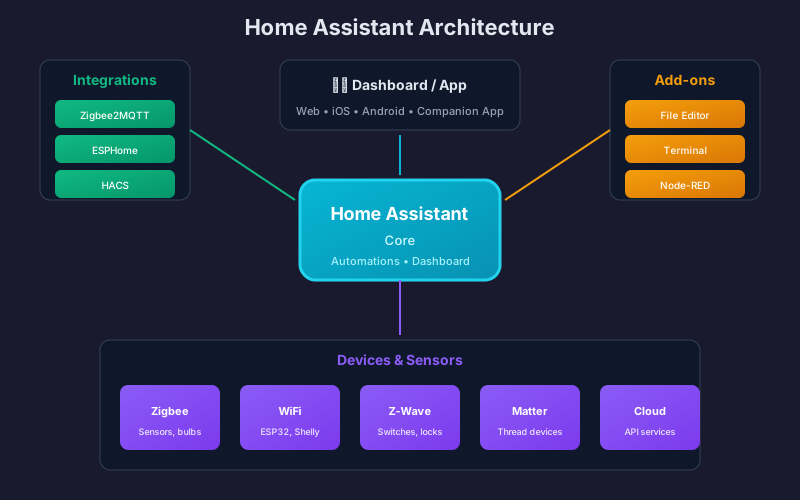
Home Assistant is free software that brings all your smart home devices together in one app. Think of it as the “brain” of your smart home.
Home Assistant can run in many different ways. Here are the three most popular:
| Platform | Approx. price | Difficulty | Best for |
|---|---|---|---|
| Raspberry Pi | ~$100 | Easy | Beginners |
| Proxmox VM | Free* | Medium | Existing servers |
| Docker | Free* | Advanced | Experienced users |
*Requires existing hardware
What: Home Assistant OS on a dedicated Raspberry Pi.
| Pros | Cons |
|---|---|
| ✅ Everything works out of the box | ❌ Needs dedicated hardware |
| ✅ One-click updates | ❌ Less powerful than a PC |
| ✅ Full add-on support | ❌ SD cards wear out |
| ✅ Low power draw (~5W) |
Hardware you will need:
| Part | Approx. price |
|---|---|
| Raspberry Pi 4/5 (4GB) | $70 |
| Official power supply | $15 |
| 32GB+ SD card or SSD | $15 |
| Total | ~$100 |
🍓 Install on Raspberry Pi
The classic route - perfect for beginners.
What: Home Assistant OS in a virtual machine on Proxmox VE.
| Pros | Cons |
|---|---|
| ✅ Snapshots - roll back with one click | ❌ Requires Proxmox experience |
| ✅ Full add-on support | ❌ USB passthrough can be tricky |
| ✅ Run other VMs/containers alongside it | |
| ✅ Enterprise-grade backup and restore | |
| ✅ Easy resource scaling |
Requirements:
🖥️ Install on Proxmox
Perfect if you already run a home server with Proxmox.
What: Home Assistant Container on an existing Linux server or NAS.
| Pros | Cons |
|---|---|
| ✅ Runs alongside your other software | ❌ No Supervisor/add-ons |
| ✅ Full control over the system | ❌ Requires Docker experience |
| ✅ Low resource usage | ❌ Manual setup of MQTT and similar services |
| ✅ Great for a NAS (Synology, QNAP) |
🐳 Install with Docker
For those who already run Docker.
| Feature | Raspberry Pi | Proxmox VM | Docker |
|---|---|---|---|
| Difficulty | ⭐ Easy | ⭐⭐ Medium | ⭐⭐⭐ Advanced |
| Supervisor/add-ons | ✅ Full | ✅ Full | ❌ No |
| Snapshots | ❌ No | ✅ Yes | ❌ No |
| Resource usage | Low | Medium | Low |
| Updates | Auto | Auto | Manual |
| Backup | Via HA | Via Proxmox | Manual |
| Other services | ❌ No | ✅ Yes | ✅ Yes |
| USB devices | ✅ Direct | ⚠️ Passthrough | ⚠️ Mount |
🍓 Raspberry Pi
The classic route for beginners.
🖥️ Proxmox VM
For existing home servers.
🐳 Docker
For experienced users running Docker.
SmartBolig // AI Core
Get help with troubleshooting, architecture and concrete configuration. I use broad AI knowledge and find SmartBolig guides when they improve the answer.
Start with a useful question