

Robot vacuums
Review choices and differences in smart cleaning.
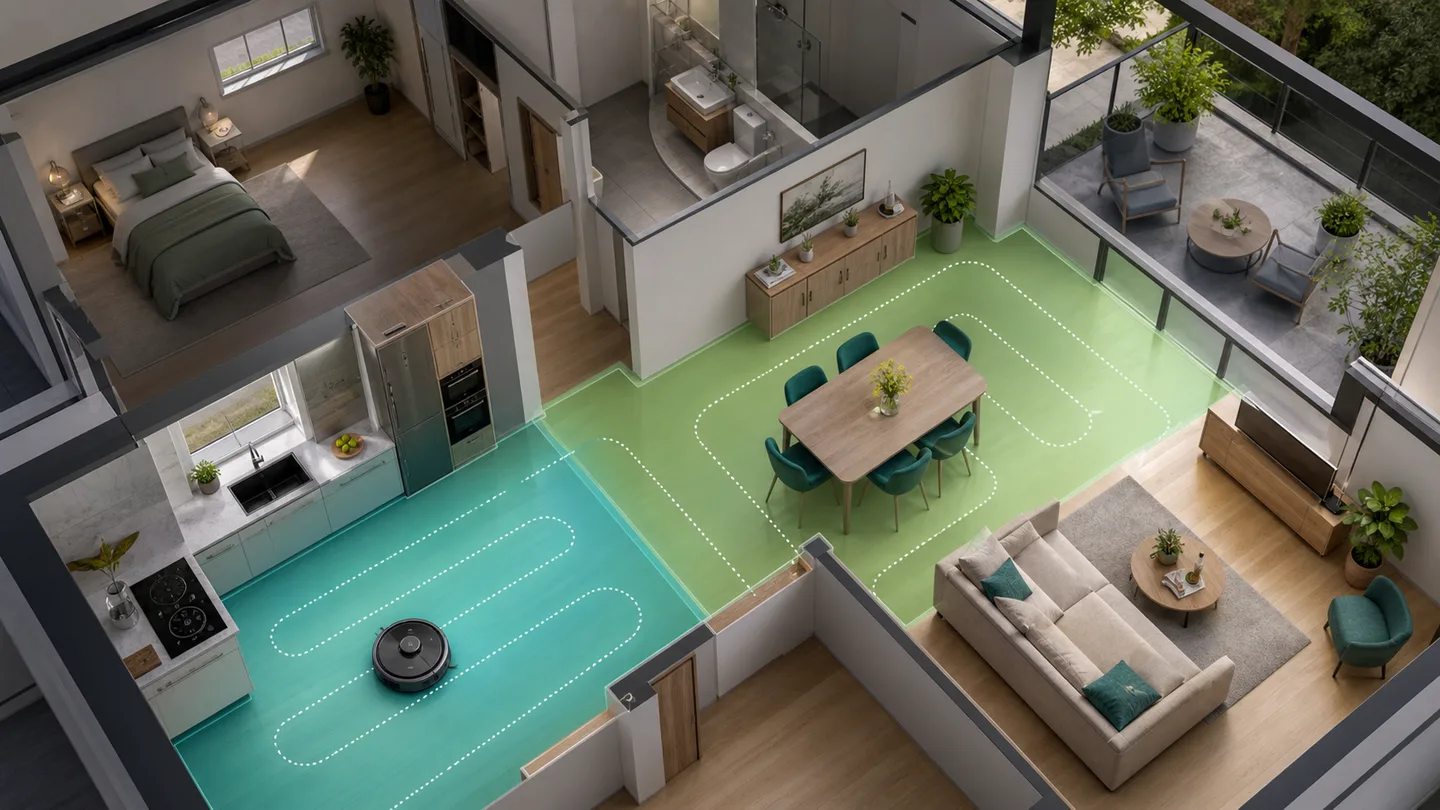
“Clean the kitchen” should not require a vendor’s internal room number. From Home Assistant 2026.3, compatible robot vacuums can use the Clean area action. The vacuum’s own map segments are linked to the areas you already use in Home Assistant.
Once mapped, you can choose Kitchen or Living room in an ordinary action or
automation. Support launched with Matter, Ecovacs, and Roborock, and more
integrations may follow. The reliable check is whether your vacuum exposes
Map vacuum segments to areas.
Check four things:
Use clear area names. Kitchen in both systems is easier to maintain than
Room 3 in one and East open-plan room in the other.
Open the vacuum entity
Go to Settings → Devices & services → Entities and select the vacuum entity.
Open entity settings
Select the cogwheel in the entity dialog.
Choose segment mapping
Open Map vacuum segments to areas. If the option is absent, the current integration or device does not support the action.
Map each segment
Select the Home Assistant area corresponding to each room from the vacuum map. Leave unknown or unused segments alone until you know what they are.
Save
Review the mapping once more, especially when two rooms have similar names.
If the vacuum-room list is empty, open the manufacturer’s app and save or confirm its rooms again. Then reload the integration or wait for the device’s next update.
Before building a schedule, make the action work on its own.
A changed status in Home Assistant is useful, but it is not by itself proof that the intended floor area was cleaned.
A calm first example could be:
At 10 AM on weekdays, if nobody is home and the vacuum is docked, clean the kitchen and entrance hall.
Build it in the automation editor:
Choose a time
Use a normal time trigger on the relevant weekdays.
Check presence
Add a condition that the home is empty. Use the person or zone setup you have already tested.
Check the vacuum
Add the purpose-specific docked condition if the integration provides it.
Add Clean area
Select the vacuum and the Kitchen and Entrance hall areas.
Give it a specific name
Use something such as Vacuum kitchen and hall on weekdays.
Test the action, then the full flow
First run only the cleaning action. Later, test a natural run that also includes the trigger and conditions.
Keep the first automation simple. Do not add weather, calendar, doors, guests, battery level, and retries at the same time. Once a week runs reliably, add one necessary condition at a time.
Choose only conditions that solve a real problem:
| Problem | Possible condition |
|---|---|
| Noise while the household is home | No people at home |
| Starting with too little charge | Vacuum is docked or has adequate battery |
| A closed door blocks a room | Select only normally accessible areas |
| Cleaning during quiet hours | Limit to daytime |
| Guests or working from home | Calendar helper or a manual pause toggle |
A helper called Pause cleaning may be better than a complicated calendar
rule. Everyone in the household can understand and use it.
If you divide a room, redraw the map, or reset the vacuum, its segments may receive new identifiers. Open entity settings and review the mapping before the next automatic run.
Describe the intended areas in the automation description. That makes the post-map-change check explicit.
Your current vacuum and integration combination does not support
vacuum.clean_area. Use documented vendor actions or wait for integration
support—do not guess internal room numbers.
Open the manufacturer’s app, finish the map, name the rooms, and save them again.
Stop it safely and review the segment mapping. Segments may have changed after a new mapping run.
The button skips triggers and conditions. Open the automation trace after a natural run and find the first condition that did not pass.
Robot vacuums
Review choices and differences in smart cleaning.
Understand the run
Troubleshoot it with Activity and Traces.
SmartBolig // AI Core
Get help with troubleshooting, architecture and concrete configuration. I use broad AI knowledge and find SmartBolig guides when they improve the answer.
Start with a useful question